 Jyutping
Jyutping
Jyutping
Because of iOS and iPadOS system limitations, third-party keyboards cannot use external keyboards.
This includes Magic Keyboard, Smart Keyboard, Magic Keyboard Folio, Smart Keyboard Folio, and other external keyboards.
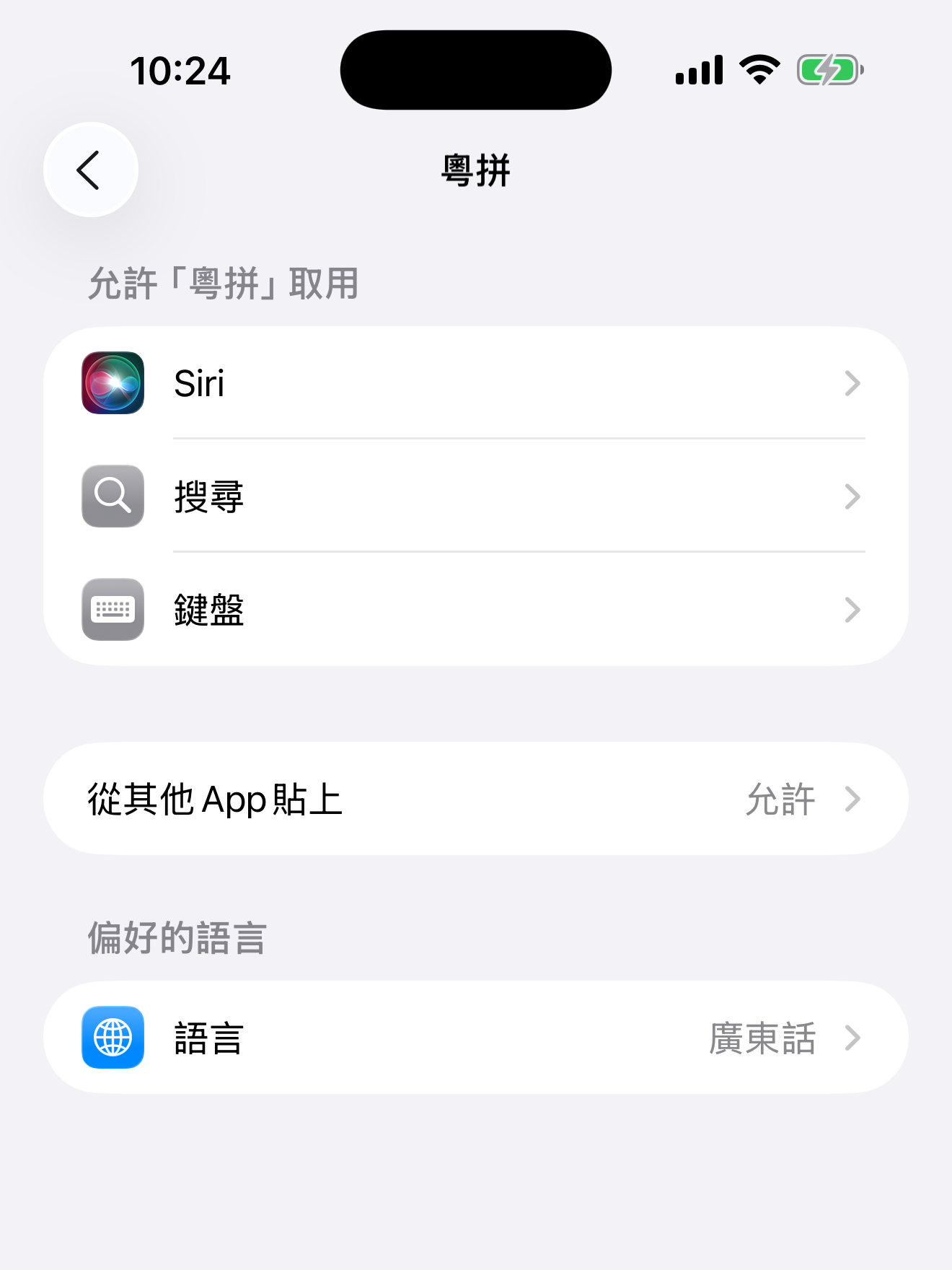
Because of iOS system limitations, the keyboard needs Allow Full Access permission to provide vibration or haptic feedback.
After enabling Allow Full Access for the keyboard in the system Settings app,
tap the gear button in the upper-left corner of the keyboard, open the settings panel, and enable vibration feedback there.
Sometimes the keyboard needs to be fully restarted.
In the system Settings app, turn the keyboard’s Allow Full Access permission off, then turn it on again.
iOS will restart the keyboard.
A few things to check:
While using the input method, press Control ⌃ + Shift ⇧ + ` (below the esc key). An options panel will appear.
There you can choose simplified Chinese, punctuation style, and other options.
According to the Table of General Standard Chinese Characters published by the State Council of the People’s Republic of China, the simplified or standard form is only “系”.
“愛” historically belongs to the voiceless initial 影 group, so in contemporary Cantonese it should have a zero-initial pronunciation: oi3.
“外” historically belongs to the voiced initial 疑 group, so in contemporary Cantonese it should have an ng- initial: ngoi6.
In real usage around Guangzhou, Hong Kong, and the Pearl River Delta, ng- and zero initials are often merged. For example, 我 may be pronounced o5, and 安 may be pronounced ngon1.
In theory, Cantonese tone classes can help distinguish them: zero initials usually pair with upper tones (1, 2, 3), while ng- initials usually pair with lower tones (4, 5, 6).
Many Cantonese songs pronounce “愛” as ngoi3 because the “correct pronunciation” promoted in Hong Kong’s media and entertainment industry is not fully systematic. It mixes some regional pronunciation preferences and sometimes overcorrects lazy sounds.
/Library/Input Methods/.
Because macOS manages input methods in a fairly complex way, the built-in “Check for Updates / Automatic Updates” feature may fail.
The simplest, safest, and most efficient way to update is to download and install the latest version from this website.
See: How to uninstall Jyutping Input Method for macOS
Jyutping Keyboard has no background activity.
The system may be treating keyboard usage as background activity.
Make sure:
Your device does not have a font that can display the corresponding characters.
On iPhone, iPad, Android, or HarmonyOS devices,
updating the system to the latest version may help a little.
On Windows or macOS, install fonts with large character coverage.
We recommend installing all of the following fonts:
Inter
Shanggu Sans
Plangothic
MiSans L3
To support ongoing development, you can make a donation.